How to play
All you need is the first and last bottom tickets handed out. This app will randomly generate all of the numbers in between. That means every ticket has a chance of winning. It also speeds up the process of selecting a winner. Since it’s on the screen, you don’t have to repeat the number 50 times while everyone squints at their ticket.
Finally, if you run into a situation where you read all but one number (to build suspense) and you have someone saying, “All I need is a 4!”, you can override the number by just pressing 4 on the keyboard. You can override any number just by entering it.
The best part is that you can combine this app with the classic way of calling out raffle ticket numbers. Reach into a hat, pull out a ticket, and start reading it off. Have someone at the computer who can manually enter each number so that it’s displayed on the screen.
First, you hand out your raffle tickets, hang on to the first and last tickets. Enter those into the boxes in the Raffle Tickets settings.
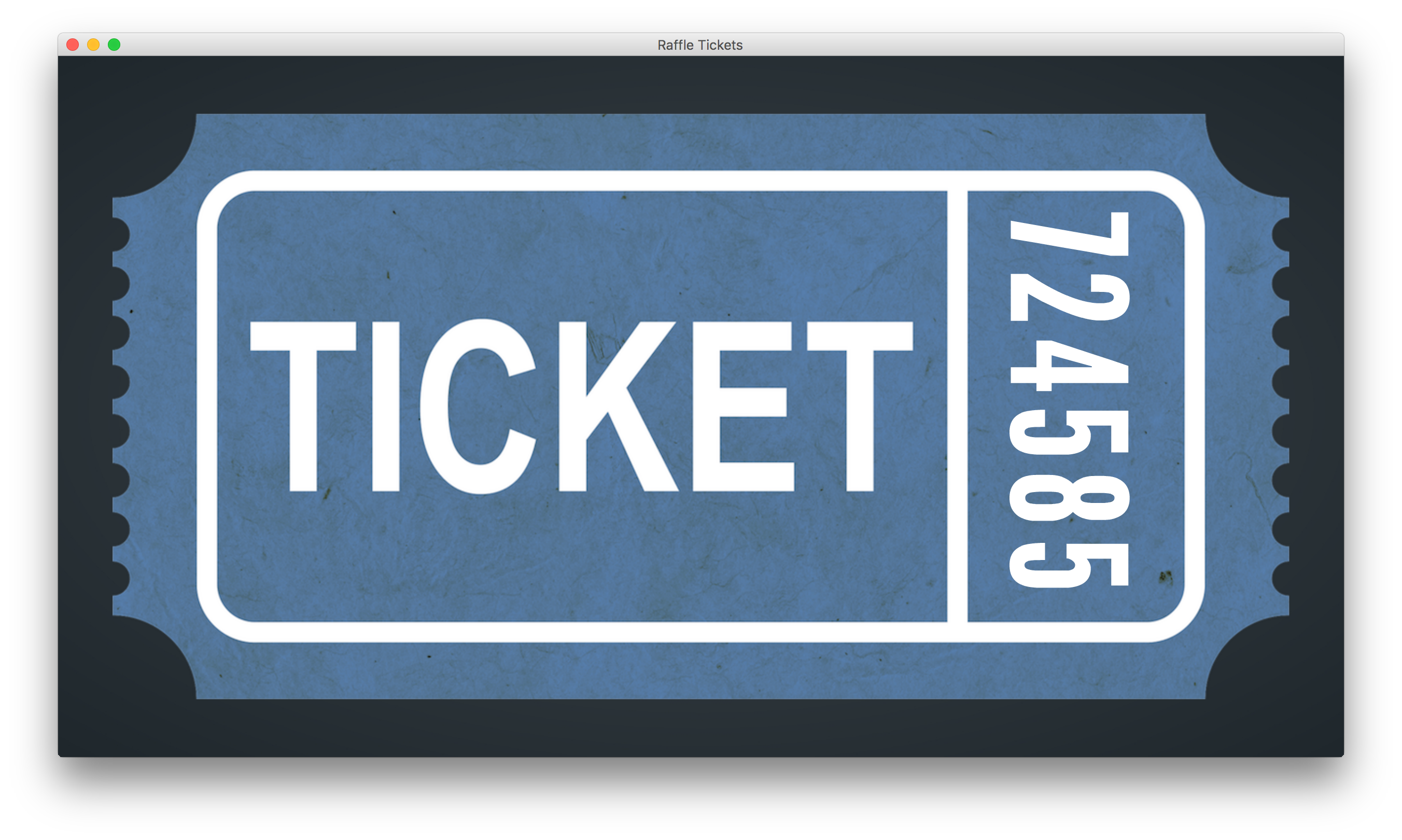
Second, pick the color of your raffle tickets. Click the “Start Game” button and you’ll see a blank raffle ticket. Tapping the spacebar will rotate and zoom into the ticket so it’s easier to see on a screen. Then tap the “Enter” key on your keyboard to have the app fill in a random number in between the first and last ticket. Or, you can tap the “Down Arrow” key to show each number one-by-one. Have the person with the matching ticket come up to receive their prize.
Tapping the spacebar will rotate and zoom into the ticket so it’s easier to see on a screen. Then tap the “Enter” key, on your keyboard to have the app fill in a random number in between the first and last ticket. Or, you can tap the “Down Arrow” key, to show each number one by one. Have the person with the matching ticket come up to receive their prize.
Now, tap the “Right Arrow” key on your keyboard to go to the next ticket. Use the “Left Arrow” key to go back to previous ticket if you need to double-check a number.
Free trial!
If this is your first time using Thingado, just download and install any of our games. When you open your first game, it will ask you to create an account with your email address. Once you do that, you'll have 30 days to use any and all of our games on that computer!
Free trial expired?
No worries! Once your free trial expires, any game you try to launch will pop up with a message letting you know that you'll need to become a member. Memberships are only $9.99 a month, or $99 for the full year! Click here for more details.